


Description
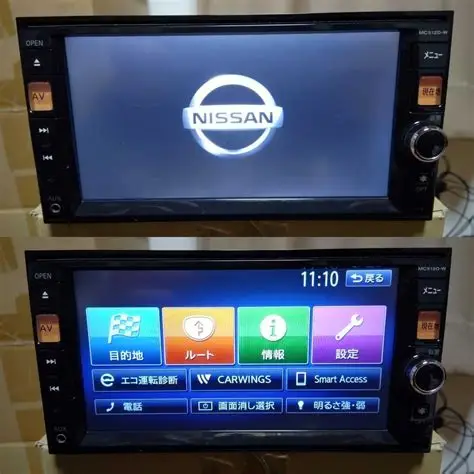
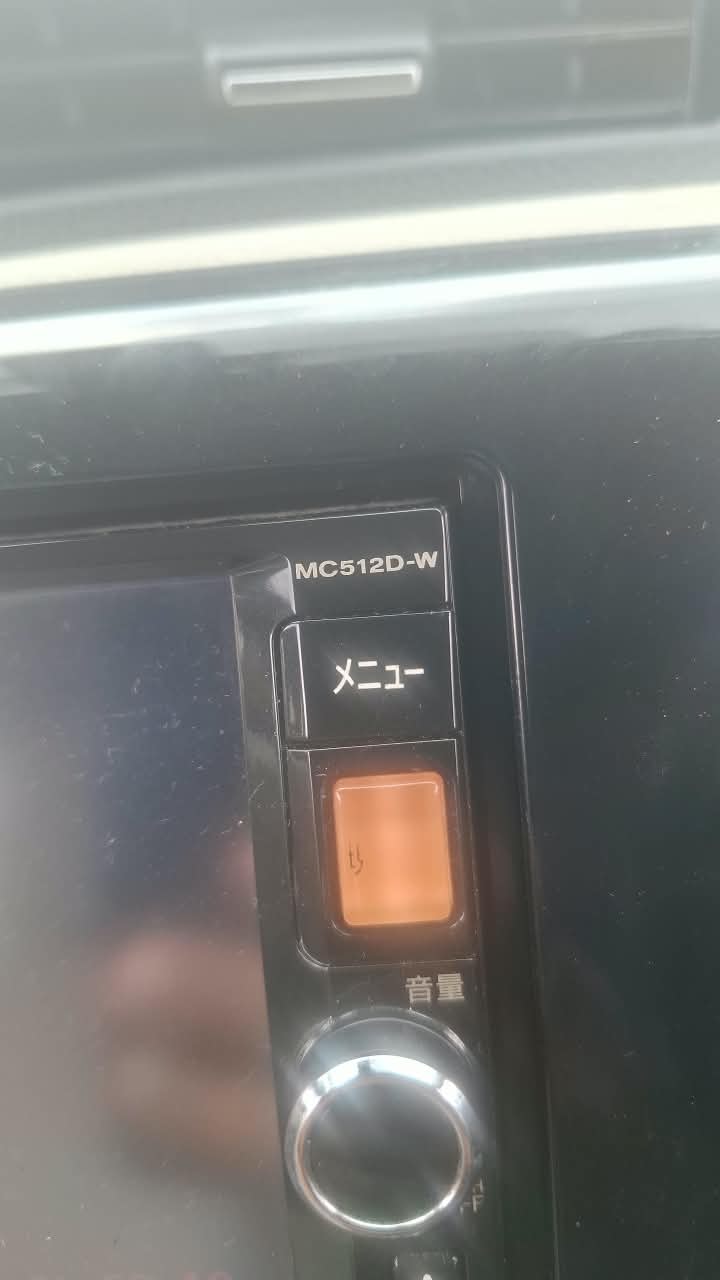
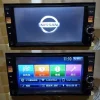
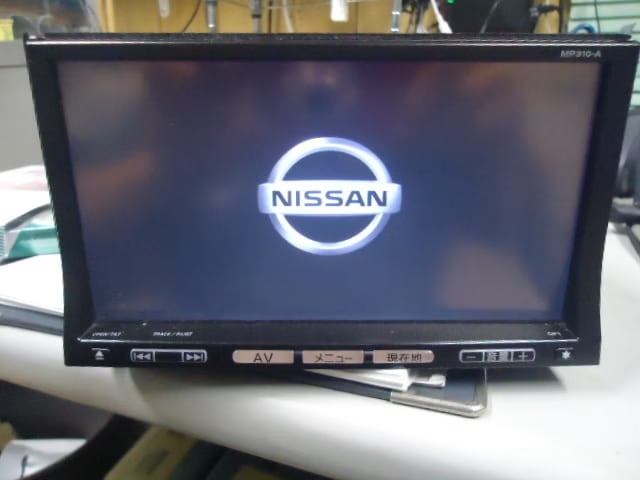
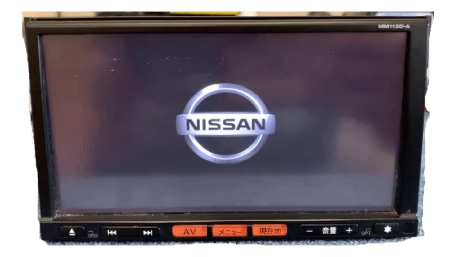
Nissan MC512D SD Card Error Fix
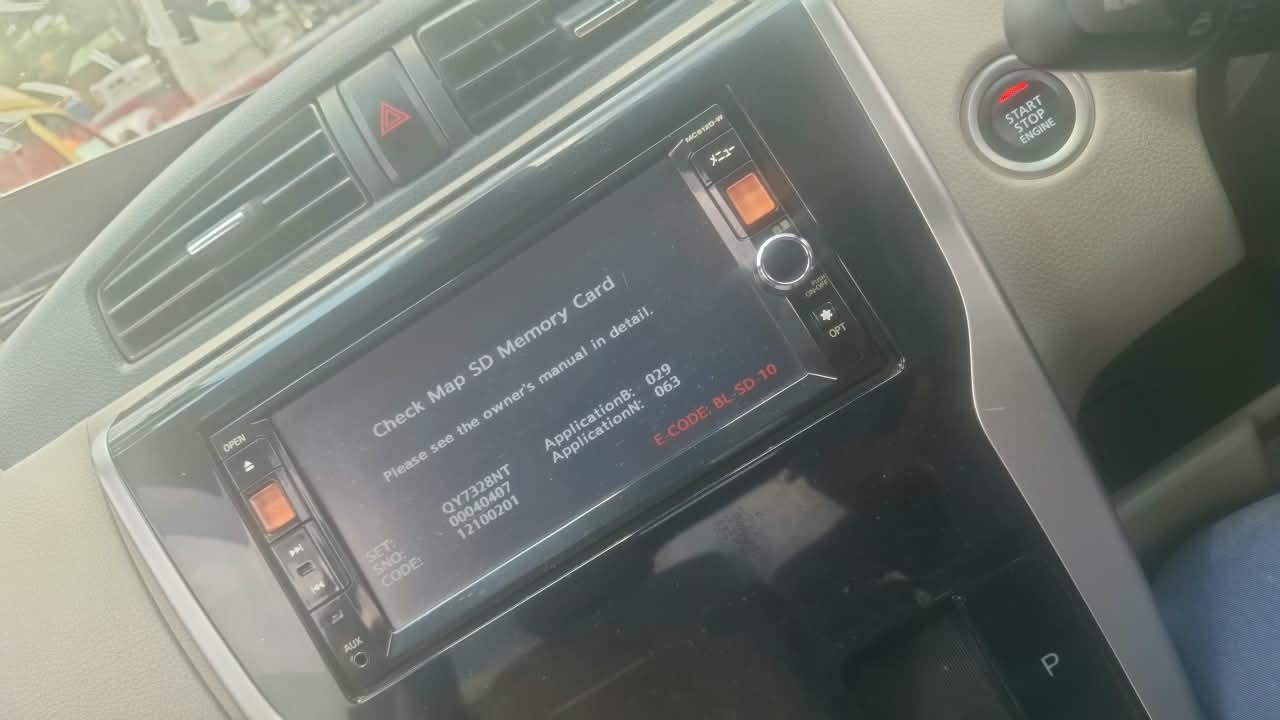
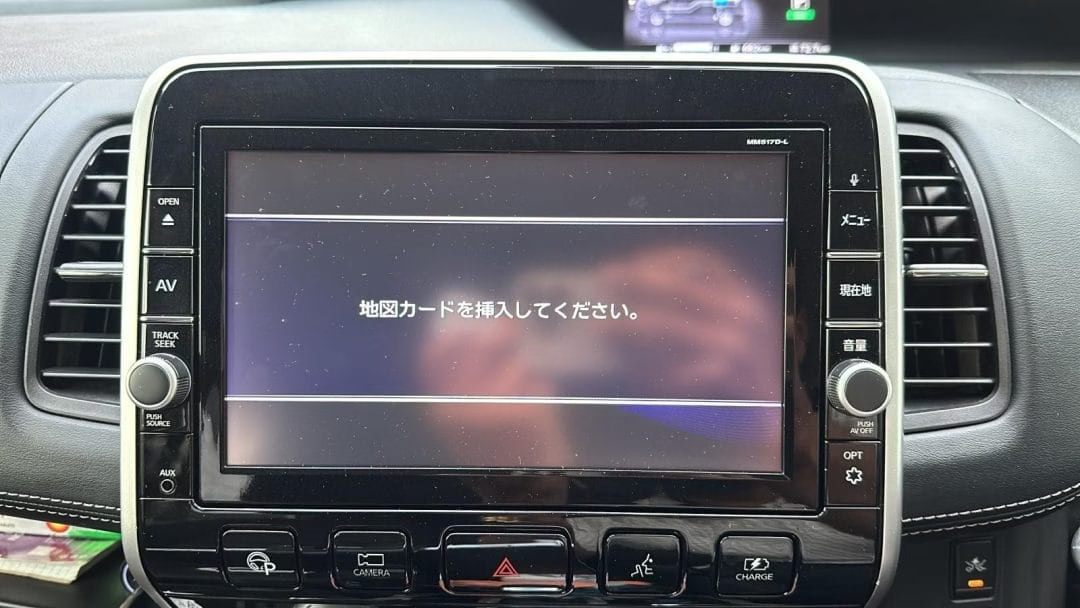
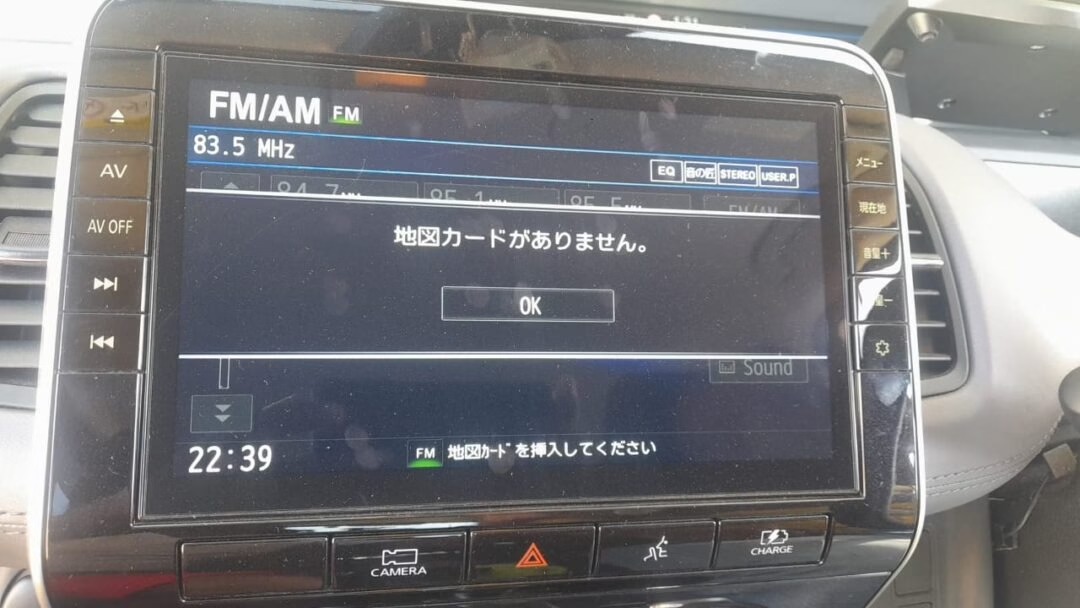
If your Japanese Nissan car navigation system displays an SD card error, fails to load maps, or shows a navigation loading error, the problem may be related to the map SD card, card compatibility, or the navigation unit itself.
Important: The correct solution depends on the exact error message and whether the original SD card is still available. Do not format the original card or copy files from another Nissan SD card, as navigation cards may contain model-specific data and identifiers.
How to fix the MC512D SD card error
- Power off the navigation system before removing the SD card.
- Remove the SD card and inspect it for physical damage or dirty contacts.
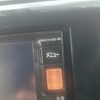
- Check that the card’s LOCK switch is in the unlocked position.
- Reinsert the original card and restart the navigation system.
- If the error remains, test the original card on a computer using a card reader. Do not format it or modify its files.
- If the card is damaged or its navigation data is corrupted, you may need a compatible replacement card or a professional repair.
Let me identify the exact fix
Please send me:
- A photo of the error message displayed on the MC512D screen.
For Price, Payment method, Delivery method –
please message us on WhatsApp or Viber (24 hours).
𝗪𝗵𝗮𝘁𝘀𝗮𝗽𝗽 /𝗩𝗶𝗯𝗲𝗿 (24 hours)
📲 +61430386787
📲 +𝟴𝟴𝟬𝟭𝟲𝟳𝟮𝟳𝟲𝟭𝟳𝟯𝟳
WhatsApp chat
🎯 Any inquiry pls inbox facebook https://m.me/navigationdisk
📮 Email sales@navigationdiskjp.com
Web: https://www.navigationdiskjp.com
#Automobile #Toyota #Honda #Nissan #Jdm #JapanCars #Navigationdisk #Toyota #Honda #Nissan #Mazda #Subaru #Vw #Audi #clarion #esn #erc #hondagathers #gathersunlock #eclipse #Mapdisc #Mapdisk #navigationdisk
Reviews
There are no reviews yet.