
No products in the cart.


Lexus LS 200T Navigation Map SD Card Error and Solution
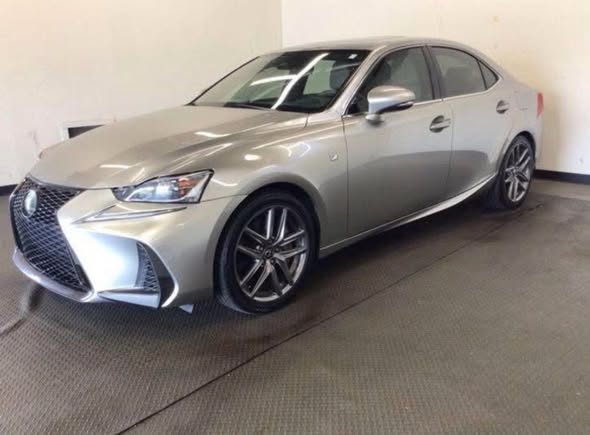

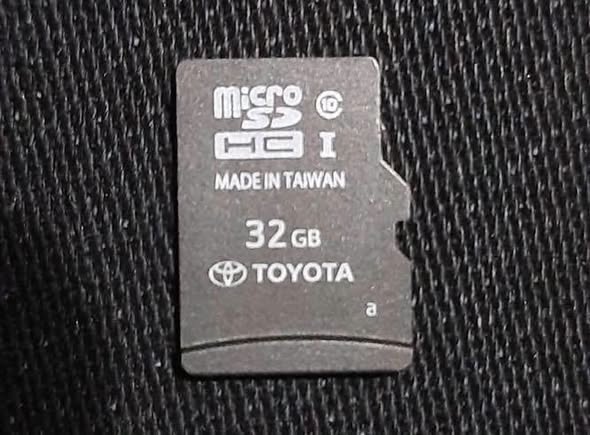
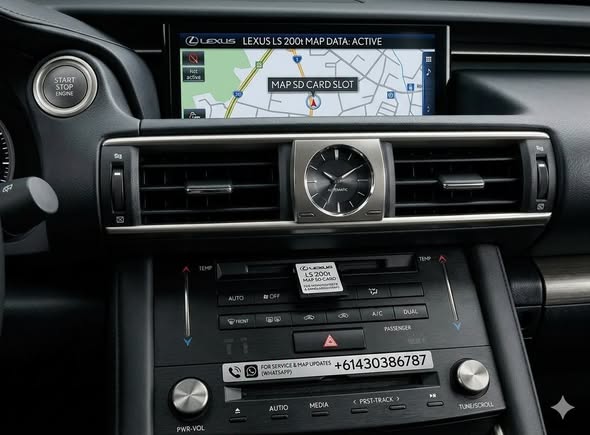
If you own a Lexus and are experiencing infotainment lockups, black screens, or an error message stating “Unable to read data / Please insert map SD card,” you are dealing with a widely recognized issue. For models like the Lexus LS and other contemporary variants utilizing micro SD-based map software, a faulty, corrupted, or missing card can disable not just your GPS, but the entire multimedia and touch interface.
Common Symptoms of Lexus Map SD Card Errors
- Infinite Loading Screens: The infotainment system gets stuck on the initial Lexus logo or a “Checking Data” loop.
- Error Pop-Ups: Messages such as “Unable to access the SD card on which software is installed” or “Program cannot be read”.
- Disabled Touchpad/Media: Total failure or freezing of the radio, Bluetooth, climate control integration, and navigation functions.
- Black Screen: Complete failure of the display unit due to the system failing to boot past the map-loading sequence.
Why Does This Error Occur?
- Card Corruption: Micro SD cards wear out over time due to constant read/write cycles from the infotainment system.
- VIN-Locking / Pairing Security: Lexus micro SD cards are uniquely “paired” to your vehicle’s head unit upon first insertion. Taking a card out of another Lexus or buying a random used card online will trigger a hardware mismatch error.
- Physical Damage or Dislodgement: Vibrations can unseat the card from its slot, or moisture/dust can corrupt the delicate contact pins.
Standard Troubleshooting Steps
Before replacing components, try these initial troubleshooting protocols:
- Soft Reset: Turn off the vehicle, eject the micro SD card located near the dashboard/radio unit, clean the contacts gently, reinsert it securely until it clicks, and restart the car.
- Battery Hard Reset: Disconnect the negative car battery terminal for 30–60 minutes to clear the cache of the infotainment system, then reconnect and allow up to 15 minutes for the system to re-read components.
The Ultimate Solution by NavigationDisk
Dealership replacements for OEM navigation map cards can be excessively expensive, often costing upwards of $1,000. Dealerships may also refuse to supply standalone cards without a full system diagnostic or expensive labor fees.
Specialized providers like NavigationDisk (navigationdiskjp.com) offer targeted, cost-effective aftermarket and factory-matched map solutions.
How NavigationDisk Resolves the Issue:
- Exact Match Map SD Cards: They supply correctly configured map data micro SD cards mapped explicitly to bypass region and pairing glitches.
- Global Shipping & Support: Providing international delivery via services like FedEx alongside direct technical assistance channels via WhatsApp/Viber for setup guidance.
- Plug-and-Play Restoration: Inserting a properly configured card bypasses the boot-loop error, immediately restoring your GPS navigation, audio panels, touchscreen responsiveness, and backup camera functions.
𝗙𝗼𝗿 𝗣𝗿𝗶𝗰𝗲 𝗮𝗻𝗱 𝗗𝗲𝗹𝗶𝘃𝗲𝗿𝘆 𝗽𝗿𝗼𝗰𝗲𝘀𝘀 𝗽𝗹𝗲𝗮𝘀𝗲 𝗰𝗼𝗻𝘁𝗮𝗰𝘁 𝘂𝘀
𝗪𝗵𝗮𝘁𝘀𝗮𝗽𝗽 /𝗩𝗶𝗯𝗲𝗿 (24 hours international hotline )
+61430386787
+8801672761737
click here (24 hours ready)
𝙏𝙚𝙡𝙚𝙜𝙧𝙖𝙢 𝙙𝙞𝙧𝙚𝙘𝙩 𝙘𝙝𝙖𝙩
Facebook Live 𝙙𝙞𝙧𝙚𝙘𝙩 𝙘𝙝𝙖𝙩
📟 We will send the sd in 4 days
📺 Fedex delivery
💰 Payment is Paypal or Westernunion